AI Itinerary Generator

The AI Itinerary Generator allows you and your team to create detailed, customer-ready itineraries in just a few minutes. This feature streamlines the sales and quoting process, helping you send personalized quotes to clients as quickly as possible. You can access the AI Itinerary Generator in two ways:
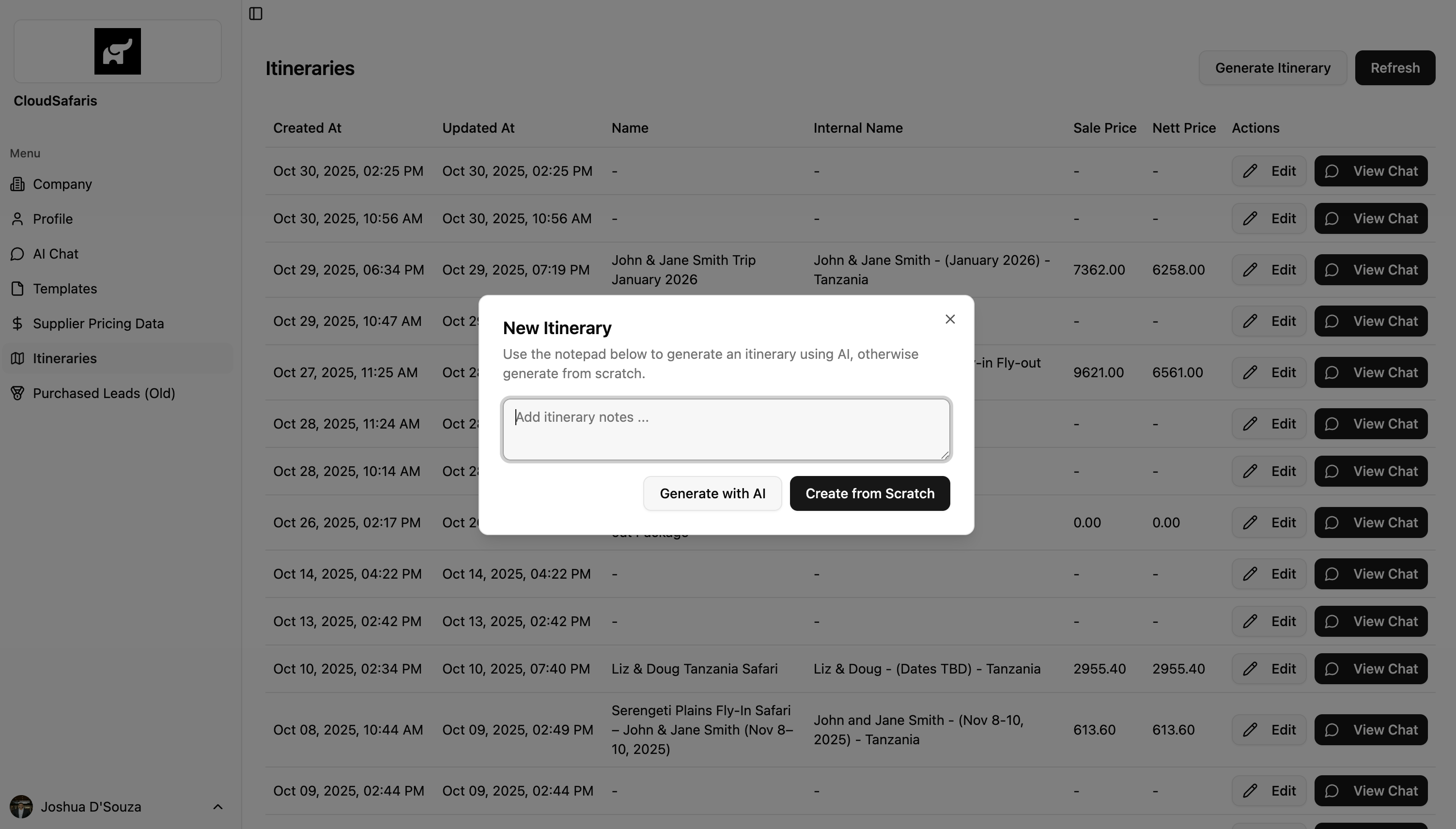
  1. From the dashboard under “Itineraries”: 👉 https://simbas.ai/dashboard/itineraries
  2. From the AI Chat, by clicking “Generate Itinerary” after adding notes about the trip in the Notepad.

Generating an Itinerary from the Dashboard

  1. Go to the Itineraries section on your dashboard.
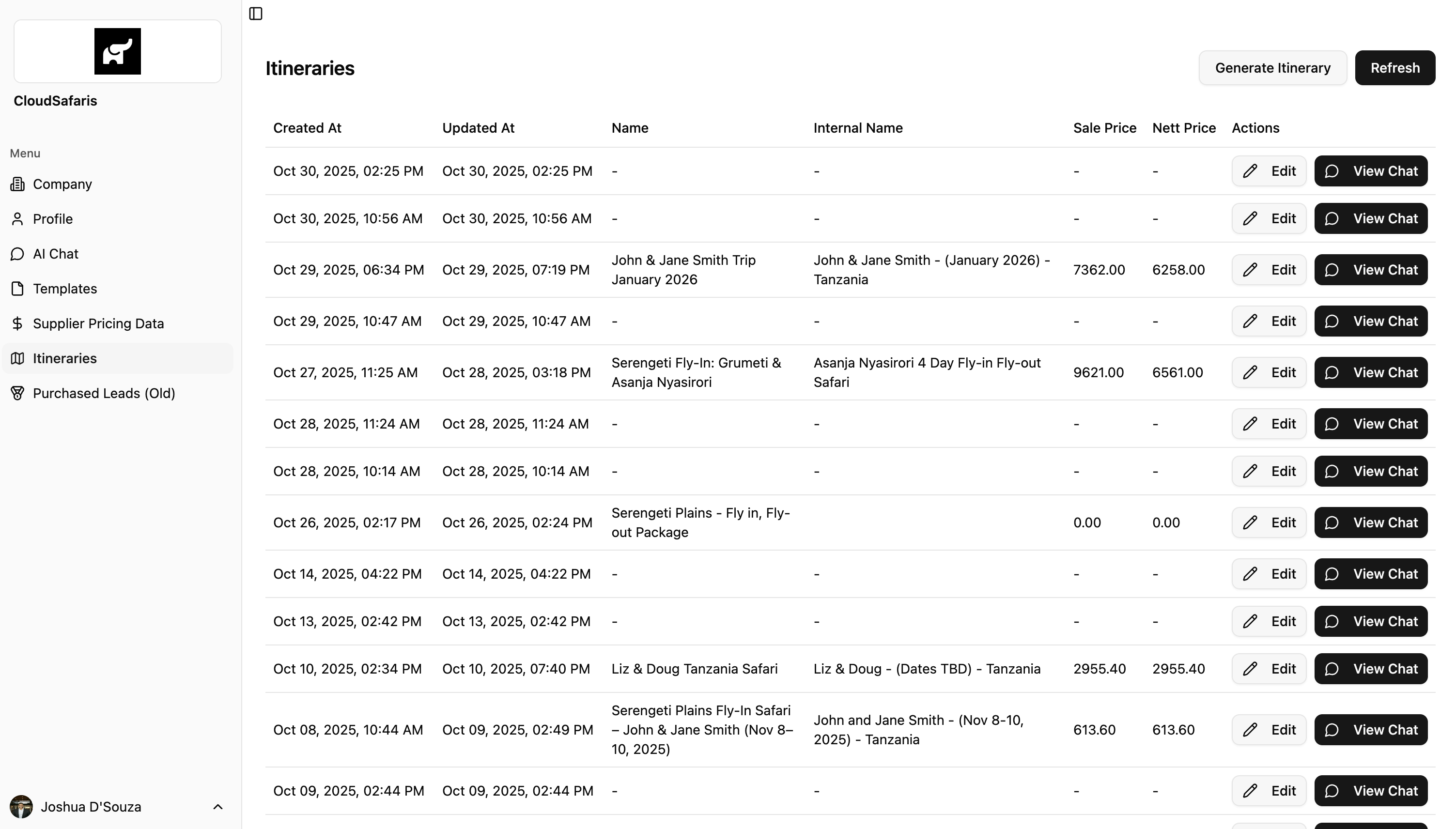
  2. Click “Generate Itinerary.”
    • Each itinerary also includes options to “Edit” or “View Chat.”
    • Edit — opens the itinerary in an editable view for adjustments.
    • View Chat — opens the AI Chat connected to that itinerary.
  3. After clicking “Generate Itinerary,” a modal will appear where you can enter the itinerary details.
  4. Add your itinerary notes or trip details.
  5. Click “Generate with AI.” Within a few minutes, the system will generate a complete, shareable itinerary ready to send to your customer.
Screenshot2025 10 30at3 52 19PM Pn Screenshot2025 10 30at3 52 27PM Pn

Example Input for the Itinerary Generator

You can add a short prompt or detailed notes in the text area to guide the AI.Example:
“4-day fly-in fly-out safari from Arusha to Serengeti (Seronera), staying at Conserve Safari Serengeti.”
Detailed Breakdown Example:Start of ItineraryDay 1:
  • Pick up from JRO Airport and transfer to Arusha for your overnight stay.
  • Overnight at Gran Meliá Arusha.
Day 2:
  • Transfer from Gran Meliá Arusha to Tarangire National Park for your first safari.
  • Overnight at Conserve Safari Tarangire.
Day 3:
  • Morning game drive and breakfast.
  • Transfer back from Conserve Safari Tarangire to Arusha, exiting through the park gate.
End of Itinerary

Creating an Itinerary from Scratch

If you prefer, you can start with a blank itinerary. Simply click “Create from Scratch” to open an editable itinerary where you can manually add all details as needed.

Generating an Itinerary from AI Chat

To generate an itinerary directly from the AI Chat, refer to the AI Chat Notepad section for step-by-step instructions: 👉 https://docs.simbas.ai/ai-chat/notepad#generating-an-itinerary