
Navigation
To access Templates, go to the dashboard: 👉 https://simbas.ai/dashboard Then, click “Templates” in the navigation menu.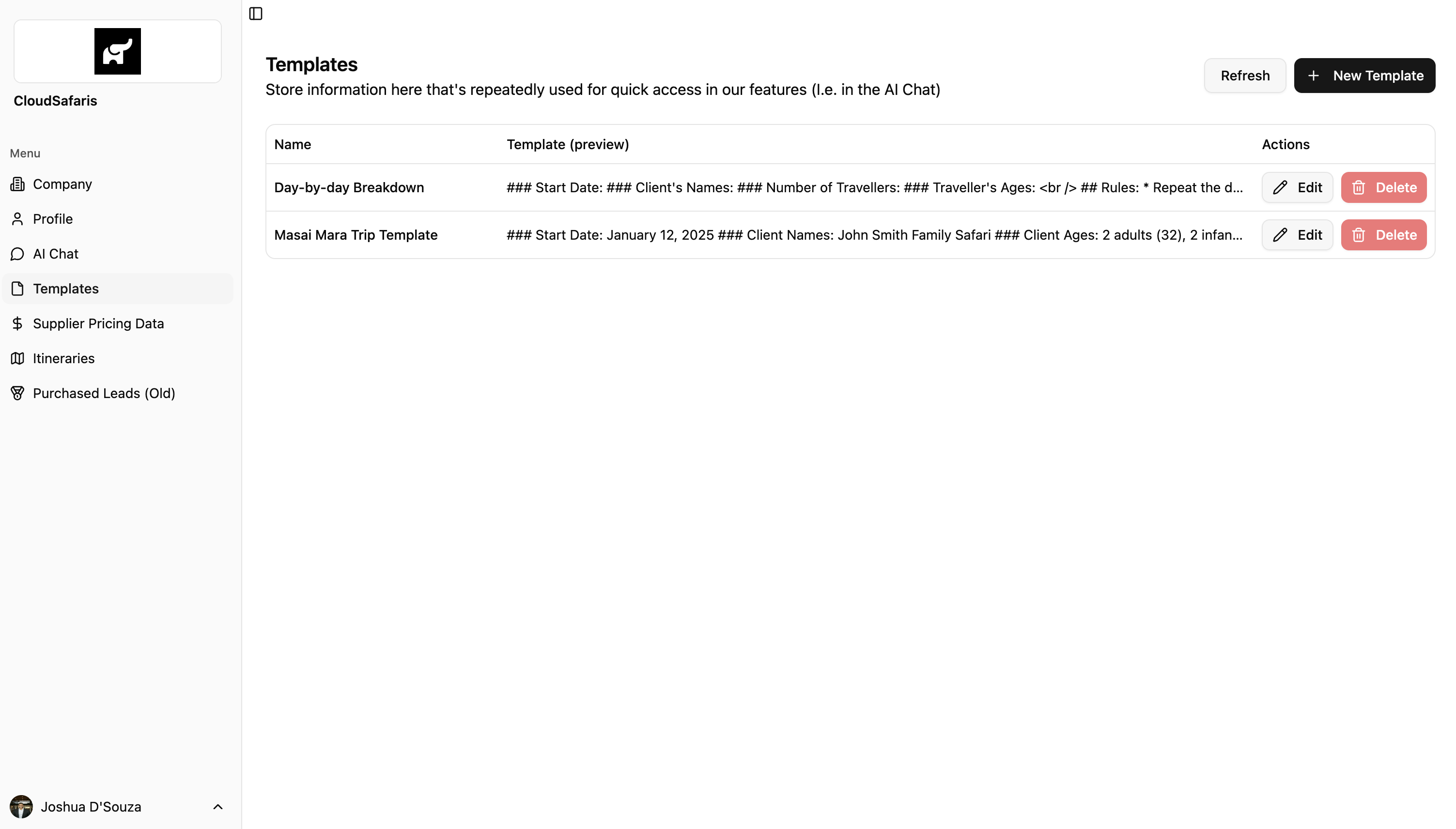
Adding a Template
To add or create a new template, click “+ New Template” in the top-right corner of the Templates page. A modal will appear where you can enter:- Template Name
- Template Markdown (the content or structure you’d like to save)

Name
Name
The Template Name is a short, descriptive title that helps you easily identify and reference the template within the AI Chat.
Template (Markdown)
Template (Markdown)
The Template (Markdown) section is where you add the main content or structure of your notes.You can use Markdown formatting to organize information clearly — for example, by adding headers, bullet points, bold text, or links.Refer to the section below for detailed instructions on how to format templates using Markdown.
Formatting Templates with Markdown
Templates in Simbas.AI are formatted using Markdown — a simple way to style and organize text within the Notepad. Below is a quick overview of the main Markdown types you can use when creating or editing templates.Using Markdown is optional, but it’s a great way to keep your Notepad clean, structured, and easy to read.
-
Headings
- Use # for hadings (1-6 levels)
-
Bold & Italic
-
Lists